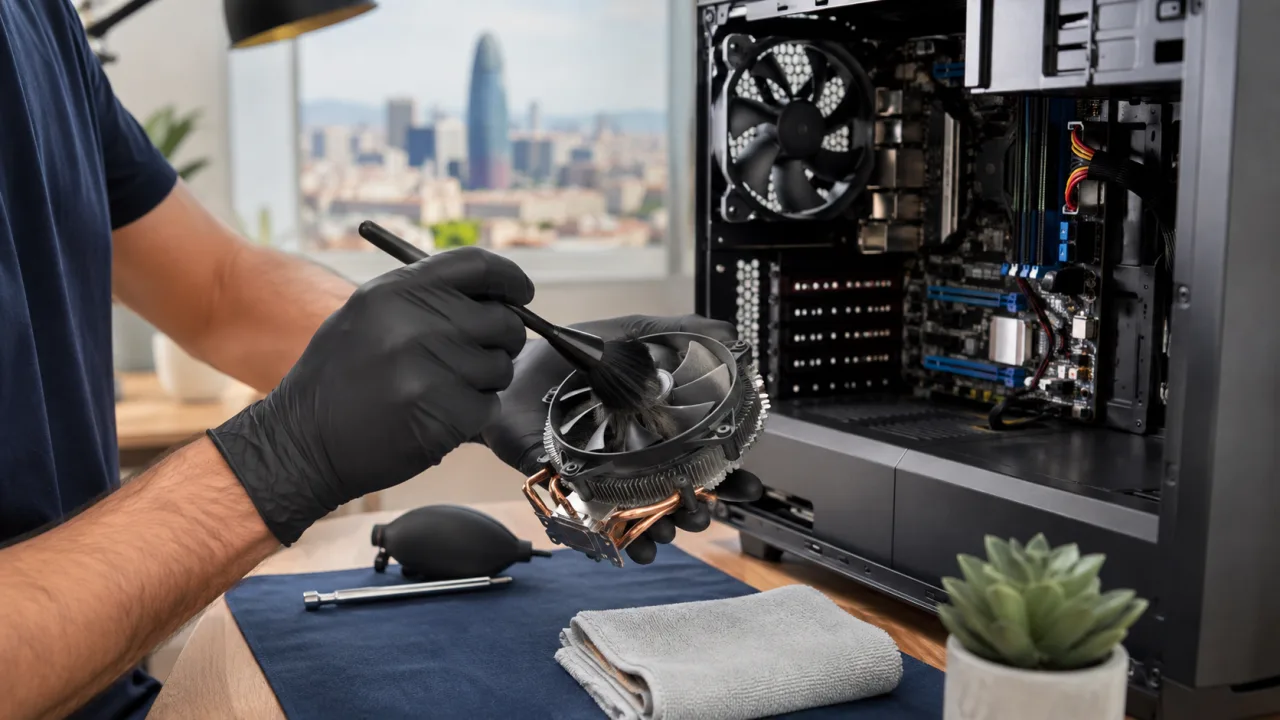
Dust reduces airflow and forces the fans to work harder. If the computer gets hot, makes noise, or slows down, it is a good idea to check the vents, fans, and thermal paste. A proper cleaning requires opening the computer carefully and then checking its temperatures.
We do not recommend blowing air without disassembling it: dust can shift into more delicate areas. Before doing anything, you should also rule out software problems or a failing drive.
Need help? Contact Barcelona Informático
Tell us what is happening and in which area you need assistance. We will review the scope of the service with you.
Phone: +34 604 549 892
Email: info@barcelonainformatico.com
 United States (+1)
 United Kingdom (+44)
 Spain (+34)
 France (+33)
 Germany (+49)
 India (+91)