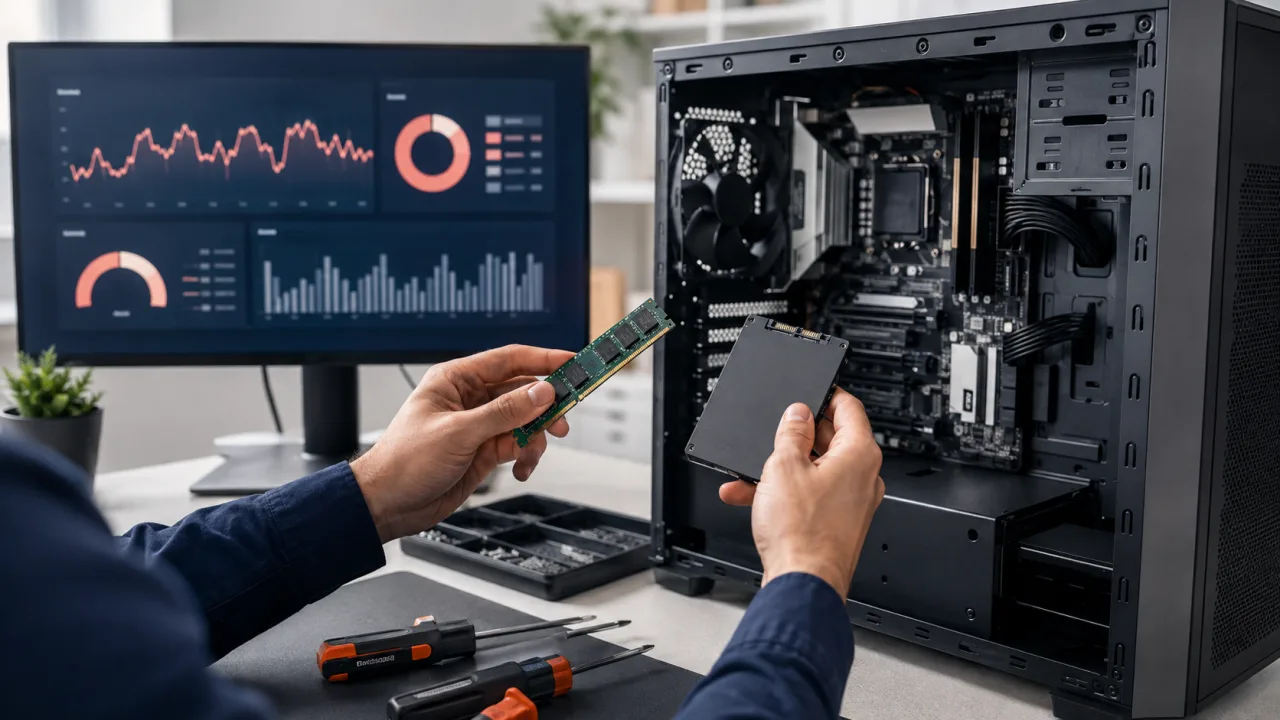
When a computer starts to fail, it is easy to forget details that would help find the problem. Before requesting a computer repair in Barcelona, prepare this information. It also helps if the technician is going to check the device at your home.
1. Explain what happens and since when
"It doesn't work" can mean many things. State whether it won't turn on, freezes, takes a long time to start, or loses the connection. Note when it started and whether it happened after a fall, an update, or installing a program.
If an error message appears, take a photo. If the failure is intermittent, note what you were doing when it appeared. You don't need to know technical terms: describing what you see is enough.
2. Check your backup
If the device works normally enough to do so, save important documents to another device or to your backup service. Check that you can open some files from that backup. A folder that only remains inside the computer is not an independent copy.
If you can't access your files, mention it before the service. Don't reset the system or erase the disk to try to fix it if you need to preserve data.
3. Prepare what you need to reproduce the failure
- Make and model of the computer, if you know them.
- The laptop charger, especially if the problem is with charging or powering on.
- The accessory involved: for example, the adapter that fails.
- The steps that trigger the error, written simply.
For a home visit, leave space to work and access to the device. If the problem is with the connection, point out where the router is and in which rooms it happens.
4. Agree on access without sharing unnecessary passwords
Don't send email, banking, or personal account passwords in the inquiry form. Explain what tests you authorize and agree with the technician on how to access the computer if necessary.
If Windows uses BitLocker, locate your recovery key and store it safely. Some recovery operations may ask for it; don't publish it or include it in open messages. You can check Microsoft's instructions for saving the BitLocker key.
5. Explain what you need to keep and what you want to resolve
State whether the computer is used for work, study, or a specific task. Point out the programs and files you need to keep. Before approving the repair, review what the proposal includes and what would be left out.
At Barcelona Informático you can tell us what is happening with your device to prepare the check. If the problem is slowness, you can also check our guide on common causes of a slow computer.
Need help? Contact Barcelona Informático
Tell us what is happening and in which area you need assistance. We will review the scope of the service with you.
Phone: +34 604 549 892
Email: info@barcelonainformatico.com
 United States (+1)
 United Kingdom (+44)
 Spain (+34)
 France (+33)
 Germany (+49)
 India (+91)